 BUSINESSTECHNOLOGYMicrosoft Ignite 2026: Satya Nadella Puts AI Agents, Copilot and Enterprise Cloud at the Centre of Microsoft's Next Technology RevolutionFlipFileZone · Read Fullopen_in_new
macOS Golden Gate: How to Check Which Mac Apps Will Stop Working
Discover which Mac apps won't be compatible with macOS Golden Gate and learn how to prepare for the transition to Apple Silicon
FlipFileZone · TECHNOLOGY
shareShare this post






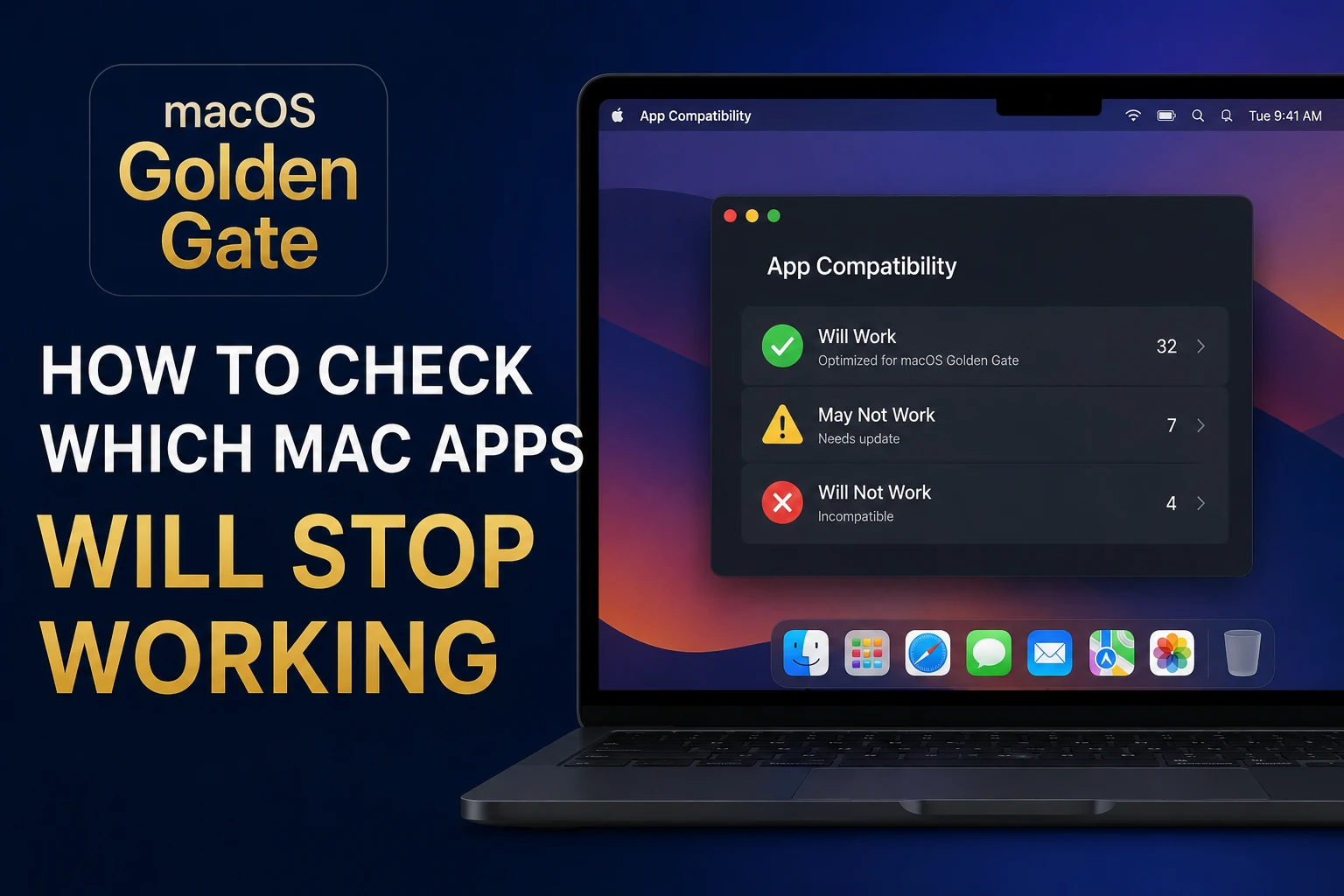
macOS Golden Gate: How to Check Which Mac Apps Will Stop Working
The End of Intel Support
With the release of macOS Golden Gate, Apple is ending support for Intel-based Macs. This means that users with older Macs will no longer be able to upgrade to the latest operating system. Additionally, macOS 28 will mark the end of support for x86 apps on Apple Silicon, making it essential for users to check which apps will stop working.
The transition to Apple Silicon has been ongoing for several years, and most modern Mac apps have already been updated to run natively on Apple's Arm-based processors. However, there are still many older apps that rely on the Rosetta translation layer to function, and these will no longer be supported in macOS 28.
✦✦✦
Checking for Incompatible Apps
To check which apps will stop working in macOS Golden Gate, users can follow a few simple steps. First, they should check the app's system requirements to see if it is compatible with Apple Silicon. They can also check the app's website or contact the developer directly to ask about compatibility.
Additionally, users can use the System Report tool in macOS to check which apps are using the Rosetta translation layer. To do this, they can click the Apple menu and select 'About This Mac,' then click 'System Report' and scroll down to the 'Software' section. Here, they can see which apps are using Rosetta and plan accordingly.
✦✦✦
Preparing for the Transition
While the end of support for Intel-based Macs and x86 apps may seem daunting, there are steps users can take to prepare. They can start by updating their apps to the latest versions and checking for compatibility with Apple Silicon. They can also consider upgrading to a newer Mac with Apple Silicon if they rely on apps that will no longer be supported.
Ultimately, the transition to Apple Silicon is a necessary step for Apple to continue innovating and improving its products. By being proactive and preparing for the changes ahead, users can ensure a smooth transition and continue to enjoy the latest and greatest Mac apps and technologies.
shareShare this post
recommendYou may also like
BUSINESSTECHNOLOGYMicrosoft Ignite 2026: Satya Nadella Puts AI Agents, Copilot and Enterprise Cloud at the Centre of Microsoft's Next Technology RevolutionFlipFileZone · Read Fullopen_in_new BUSINESSTECHNOLOGYChina Uses American AI Models to Train Domestic Rivals as US Chip Restrictions Intensify the Global Artificial Intelligence RaceFlipFileZone · Read Fullopen_in_new
 BUSINESSTECHNOLOGYNvidia Leadership Turmoil Raises Concerns Over AI Industry Financing as Investors Rethink the Future of the AI BoomFlipFileZone · Read Fullopen_in_new
 TECHNOLOGYGovernor Gulab Chand Kataria launches Shaheed Bhagat Singh Youth Facilitation Centre in LudhianaFlipFileZone · Read Fullopen_in_new
 TECHNOLOGYInstinct AI Assistant Secures $350M Funding, Hits $2.5B Valuation in Record TimeFlipFileZone · Read Fullopen_in_new
 TECHNOLOGYXiaomi Unveils Xring Chip with TSMC Partnership, Redefining Its Global Hardware StrategyFlipFileZone · Read Fullopen_in_new
 TECHNOLOGYApple’s AI‑Powered Camera AirPods Could Launch in 2026, Not 2027FlipFileZone · Read Fullopen_in_new
chatPost a comment
Comments
0