 TECH GUIDESConvert XLS to XLSX Online Free — Upgrade Old Excel Files in SecondsFlipFileZone · Read Fullopen_in_new
Merge PDF Files Online Free — Combine PDFs Into One in Seconds
Merge multiple PDF files into one free with FlipFileZone. No sign-up, no watermarks — combine and reorder PDFs instantly in your browser.
FlipFileZone · TECH GUIDES
shareShare this post






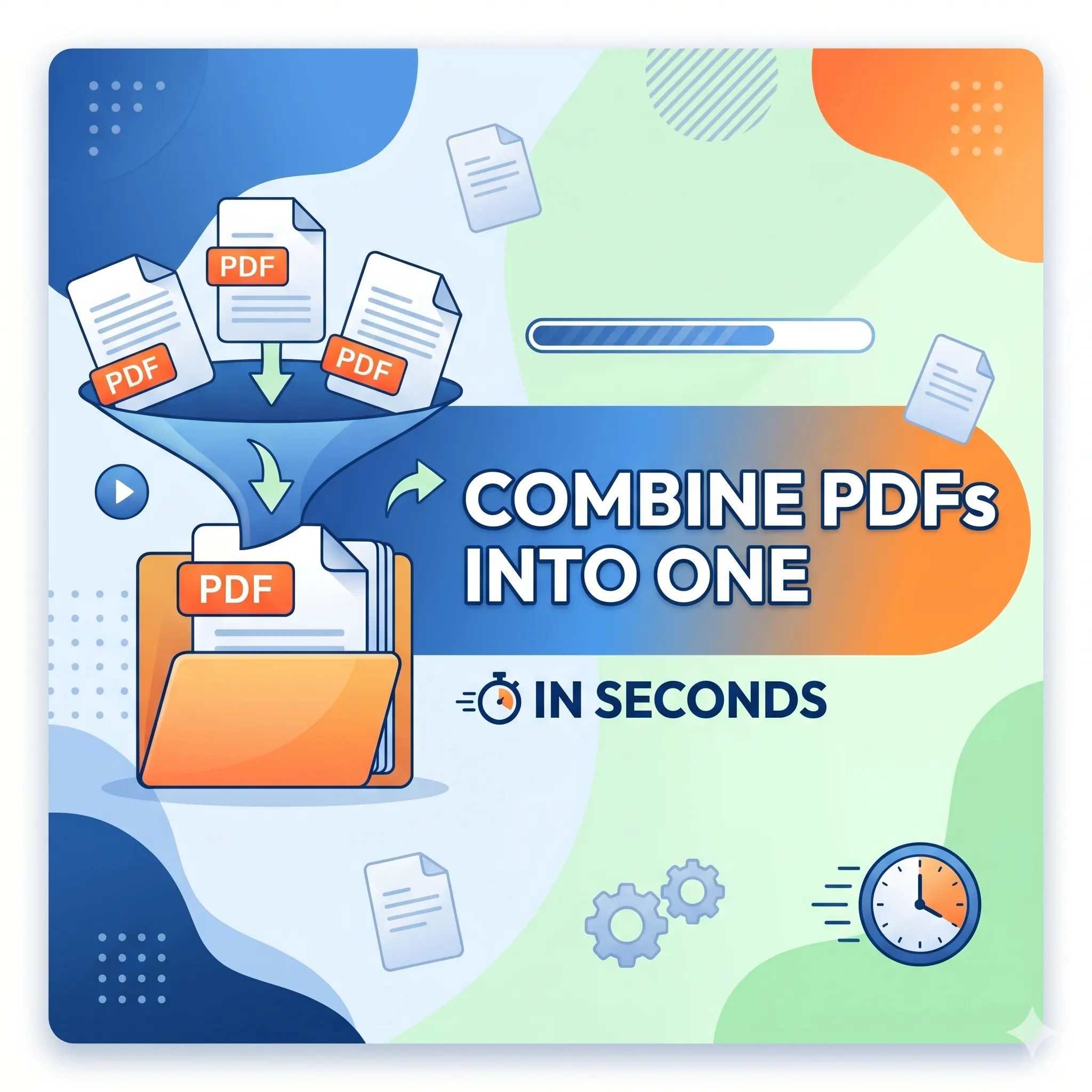
Merge PDF Files Online Free — Combine PDFs Into One in Seconds
Picture this: you have just finished a project proposal. The main report is one PDF. The financial breakdown is a second PDF. The supporting appendix is a third. Now you need to send all three to a client — cleanly, professionally, as a single unified document. Do you attach three separate files and hope the recipient opens them in the right order? Or do you find a fast, free way to merge them into one polished PDF before you hit send?
Juggling multiple PDF files is one of the most common headaches in document-heavy work. Scanned page by page on a multifunction printer. Downloaded as separate chapters. Exported from different applications. Split across multiple email attachments. However they arrived, the need is the same: you want them combined into one file, with the pages in the right order, delivered as a single clean document that anyone can open and read from start to finish.
This guide shows you exactly how to do that — free, fast, and without installing anything — using FlipFileZone's free PDF merger. No account required. No watermarks on your output. No file limits hiding behind a paywall. Just a reliable tool that combines your PDFs the way you want them, every time.
⚡ Quick AnswerGo to flipfilezone.com/merge-pdf, upload your PDF files, drag them into the order you want, click Merge PDF, and download your combined document in seconds. Free, private, and completely watermark-free.
How PDF Merging Works — and Why Order Matters
Merging PDFs is the process of taking two or more separate PDF files and stitching their pages together into a single continuous document. Unlike compressing or converting, merging does not change the content of any individual page — it simply sequences them. The output file contains every page from every input file, in the order you specify, wrapped in a single PDF container that any reader can open as one seamless document.
Page order is everything in a merged PDF. A cover page that lands on page 7 because the files were combined in the wrong sequence undermines the professionalism of the entire document. FlipFileZone's merger lets you drag and reorder your uploaded files before combining, so you have full control over the final page sequence before you commit to the merge. Upload, arrange, merge — in that order, every time.
The output is a standard, universally compatible PDF. Every page from every source file is preserved at its original quality. Text remains selectable and searchable. Images stay sharp. Hyperlinks continue to function. The merged document behaves exactly like any other PDF — it just contains everything in one place.
Top Reasons Professionals Choose to Merge PDF Files
- Single-file deliverables — Sending one PDF is cleaner, more professional, and less error-prone than attaching multiple files and relying on the recipient to open them in the right order.
- Streamlined client packages — Proposals, contracts, appendices, and supporting documents arrive as one cohesive package rather than a scattered collection of attachments.
- Easier archiving and filing — A single merged PDF is simpler to name, file, and retrieve than a folder of loosely related documents. One file, one record.
- Simpler email attachments — One attachment is less likely to trigger spam filters, easier for recipients to manage, and takes up a single slot in attachment limits.
- Unified page numbering — A merged PDF can be printed or shared with consistent pagination from page 1 to the end, critical for legal filings, academic submissions, and formal reports.
- Reduced upload friction — Many portals only accept a single file upload. Merging lets you package everything required into one compliant submission.
- Better reader experience — Recipients scroll through one document rather than toggling between multiple open files, reducing confusion and the risk of missed pages.
- Cleaner version control — One merged master document is far easier to track, version, and distribute than a set of interdependent individual files.
Merge PDF Files in Under 60 Seconds — Here's How
Step 1 — Open the FlipFileZone PDF Merger
Open any browser and navigate to flipfilezone.com/merge. The tool is ready instantly — no sign-up screen, no subscription prompt, no cookie consent wall blocking your path. You are one upload away from a combined PDF.
Step 2 — Upload Your PDF Files
Click the upload area or drag and drop all the PDFs you want to combine onto the page at once. FlipFileZone accepts multiple files in a single upload session. You can add PDFs of any size — scanned documents, exported reports, downloaded files, or design exports — and the tool handles the mix without issue. All uploads travel over an encrypted HTTPS connection.
Step 3 — Arrange the Files in the Right Order
Once uploaded, your files appear as individual tiles on the page. Drag and drop them into the exact sequence you want in the final merged document. If your cover page should come first, drag it to the top. If the appendix belongs at the end, position it last. This step is where you take control of the output before committing to the merge. Take a moment to confirm the order looks right.
Step 4 — Click "Merge PDF"
Hit the Merge PDF button. The engine stitches the files together in the sequence you set, preserving every page at its original quality. Processing is fast — even combining large files across many pages typically completes in under 20 seconds.
Step 5 — Download Your Combined PDF
Click the download button to save your merged PDF. Open it to verify the page order and content, then send, upload, or archive it as needed. FlipFileZone automatically and permanently deletes your uploaded source files and the merged output from its servers once your session ends.
✅ Pro TipCompress each PDF individually before merging if your source files are large. Combining several 15 MB files produces a proportionally large merged document. Compressing first — using FlipFileZone's free PDF compressor — gives you a merged output that is both complete and lean enough to email or upload without friction.
What Gets Preserved When You Merge PDFs?
Every page from every source file is carried into the merged output exactly as it appears in the original. Here is what survives the merge intact:
- All text content — Every word, paragraph, header, and number from every source file remains fully intact, selectable, and searchable in the merged output.
- Images and graphics — Photos, diagrams, logos, and illustrations are preserved at their original resolution. No re-compression, no quality loss.
- Hyperlinks — Clickable links within any source PDF remain fully functional in the merged document.
- Page layout and formatting — Margins, columns, font choices, and visual structure from each source file are preserved exactly on their respective pages.
- Bookmarks and navigation — Where source files contain PDF bookmarks or internal navigation links, these are carried into the merged output.
- Form fields — Interactive fillable fields, checkboxes, and dropdown menus from any source PDF remain functional in the merged file.
- Orientation per page — Portrait and landscape pages from different source files are each preserved at their original orientation within the merged document.
- Embedded fonts — Font data embedded in each source PDF is retained so all pages render correctly on any device.
Common Use Cases — When Merging PDFs Makes Everything Easier
Proposals and Client Deliverables
A typical consulting or agency proposal includes a cover document, a project scope, a timeline, a pricing breakdown, and terms and conditions. Generating each section in a separate PDF — or receiving them from different team members — is normal. Merging them into one professionally sequenced document before client delivery eliminates the risk of missed attachments and signals that your team is organized and detail-oriented.
Legal and Contract Packages
Contracts, addenda, exhibits, signature pages, and supporting evidence are frequently generated as separate PDFs in legal workflows. Courts, arbitration panels, and counterparties expect a single, complete submission. Merging ensures the package is complete, correctly ordered, and presented as one unified filing rather than a loose bundle that can be miscounted or misassembled on the other end.
Academic Submissions and Research Portfolios
Dissertations with separate appendix PDFs, lab reports with data tables exported independently, or research portfolios compiled from multiple published papers all need to arrive as a single file. Academic submission portals routinely accept only one PDF upload per assignment or application. Merging is the only way to comply while keeping all supporting material intact.
HR, Onboarding, and Policy Documents
Employee handbooks, benefit summaries, code-of-conduct documents, and onboarding checklists are each often maintained as independent files. Merging them into a single new-hire packet — updated seasonally — means HR teams distribute one file, employees receive one document, and version confusion is eliminated at both ends.
Scanned Multi-Page Documents
Many office scanners save each scanned page as an individual PDF rather than a multi-page document. A 10-page signed contract scanned at the office becomes 10 separate one-page PDFs. Merging them instantly reconstructs the complete document as a single, correctly ordered PDF that can be filed, emailed, or uploaded to a document management system like any other file.
FlipFileZone vs. Other PDF Merge Tools
| Feature | FlipFileZone | Smallpdf | iLovePDF | Adobe Acrobat Online |
|---|---|---|---|---|
| Free to use | ✅ Always | ⚠️ 2 tasks/day | ⚠️ Limited free | ⚠️ Limited free |
| No account needed | ✅ Yes | ❌ Required for more | ❌ Required for more | ❌ Required |
| Files deleted after use | ✅ Auto-deleted | ⚠️ Stored temporarily | ⚠️ Stored temporarily | ⚠️ Stored temporarily |
| No watermarks | ✅ Never | ❌ On free tier | ✅ No watermark | ❌ On free tier |
| Drag-to-reorder files | ✅ Yes | ✅ Yes | ✅ Yes | ✅ Yes |
| Works on mobile | ✅ Yes | ✅ Yes | ✅ Yes | ✅ Yes |
Got Questions About Merging PDFs? We Have Answers
| Is FlipFileZone's PDF merger really free?Yes — completely free with no usage caps, no trial periods, and no subscription required. You can merge as many PDFs as you need, as often as you need, at no cost. |
| How many PDFs can I combine at once?FlipFileZone supports merging multiple files in a single session. Upload all the PDFs you need to combine, arrange them in order, and merge them together in one operation — no need to merge in pairs. |
| Can I control the order of pages in the merged PDF?Yes. After uploading your files, drag and drop them into the exact order you want before clicking Merge. The pages in the final PDF will appear in precisely the sequence you set. |
| Will merging reduce the quality of my PDFs?No. Merging is a structural operation — it sequences pages without re-processing or re-compressing them. Every page in the merged output is identical in quality to the corresponding page in the source file. |
| Are my files safe when I upload them?Yes. All uploads are encrypted via HTTPS, and your source files and the merged output are permanently and automatically deleted from FlipFileZone's servers after your session ends. Your documents are never stored, shared, or accessed for any other purpose. |
| Can I merge password-protected PDFs?Password-protected PDFs need to be unlocked before merging. Open each protected file in your PDF viewer, remove the password, save a new unprotected copy, and then upload those copies for merging. |
| Does it work on iPhone, Android, or tablet?Yes. FlipFileZone is fully mobile-responsive. Upload your PDFs from your phone's Files app, arrange and merge them in the browser, and download the combined PDF directly to your device — no desktop required. |
Multiple PDF files sitting in separate folders, attached to different emails, or spread across different devices are a document management problem waiting to become a professional embarrassment. A merged PDF solves all of it in one step: one file, the right order, ready to send.
FlipFileZone makes that step take less than a minute — free, private, and without watermarks cluttering your finished document. Upload your files, drag them into sequence, hit merge, and you are done. The output is a clean, standard PDF that opens anywhere, prints correctly, and represents your work exactly as intended.
And when the next step in your workflow involves trimming the merged file down, pulling out specific pages, or reducing the file size for emailing — the rest of FlipFileZone's toolkit is right there, equally free, equally fast, and equally account-free.
🚀 Ready to Merge PDFs? Try FlipFileZone Now!Visit flipfilezone.com/merge-pdf and combine your PDF files free — no account needed, no software to install, no watermarks ever.
More Free Tools on FlipFileZone
- Compress PDF — Reduce PDF file size without losing quality — perfect before merging large files.
- Word to PDF Converter — Convert any .doc or .docx file to a perfectly formatted PDF for free.
- PDF to Word Converter — Turn any PDF into a fully editable Word document in seconds.
- JPG to PDF Converter — Convert one or more images into a single professional PDF instantly.
shareShare this post
recommendYou may also like
TECH GUIDESConvert XLS to XLSX Online Free — Upgrade Old Excel Files in SecondsFlipFileZone · Read Fullopen_in_new TECH GUIDESConvert PNG to ICO Online Free — Create Favicons and Windows Icons in SecondsFlipFileZone · Read Fullopen_in_new
 TECH GUIDESConvert Markdown to PDF Online Free — Turn .md Files Into PDF in SecondsFlipFileZone · Read Fullopen_in_new
 TECH GUIDESConvert SVG to PNG Online Free — Export Vector Graphics as Images in SecondsFlipFileZone · Read Fullopen_in_new
 TECH GUIDESConvert GIF to MP4 Online Free — Turn Animated GIFs Into Video in SecondsFlipFileZone · Read Fullopen_in_new
 TECH GUIDESConvert WAV to MP3 Online Free — Compress Audio Files in SecondsFlipFileZone · Read Fullopen_in_new
 TECH GUIDESConvert MOV to MP4 Online Free — Convert iPhone Videos in SecondsFlipFileZone · Read Fullopen_in_new
chatPost a comment
Comments
0