 TECH GUIDESConvert XLS to XLSX Online Free — Upgrade Old Excel Files in SecondsFlipFileZone · Read Fullopen_in_new
Microsoft 365 Unlocks 6 New AI Tools
Discover the 6 new teacher-specific Copilot AI tools unlocked in Microsoft 365, designed to enhance teaching and learning experiences with artificial intelligence, improving education and student outcomes
FlipFileZone · TECH GUIDES
shareShare this post


Microsoft 365 Unlocks 6 New AI Tools
Microsoft 365 has recently introduced 6 new teacher-specific Copilot AI tools, aiming to revolutionize the education sector by providing teachers with innovative solutions to enhance their teaching methods and improve student outcomes.
These AI-powered tools are designed to assist teachers in various aspects of their profession, from lesson planning to student assessment, and are integrated seamlessly into the Microsoft 365 platform.
The new Copilot AI tools include features such as intelligent grading, automated feedback, and personalized learning pathways, all of which are intended to make teaching more efficient and effective.
Introduction to Copilot AI Tools
The 6 new Copilot AI tools are part of Microsoft's effort to harness the power of artificial intelligence in education, providing teachers with the support they need to create engaging and effective learning experiences for their students.
Each tool is specifically designed to address a particular challenge or need in the teaching process, from creating customized lesson plans to identifying areas where students require extra support.
Key Features of the New AI Tools
The key features of the new Copilot AI tools include:
- Intelligent grading systems that can automatically assess student assignments and provide accurate feedback
- Automated feedback mechanisms that help teachers identify areas where students need improvement
- Personalized learning pathways that cater to the unique needs and abilities of each student
- Advanced data analytics that provide teachers with insights into student performance and progress
- AI-powered lesson planning tools that help teachers create engaging and effective lesson plans
- Virtual teaching assistants that can help teachers with tasks such as grading and feedback
These features are designed to work together to create a comprehensive and supportive learning environment that benefits both teachers and students.
Benefits of the New AI Tools
The new Copilot AI tools offer a range of benefits for teachers and students, including:
- Improved teaching efficiency and effectiveness
- Enhanced student outcomes and academic achievement
- Personalized learning experiences that cater to the unique needs of each student
- Increased teacher satisfaction and reduced workload
- Advanced data analytics and insights that inform teaching practices
By providing teachers with the support and resources they need, the new Copilot AI tools have the potential to transform the education sector and create a more effective and engaging learning environment for students.
shareShare this post
recommendYou may also like
TECH GUIDESConvert XLS to XLSX Online Free — Upgrade Old Excel Files in SecondsFlipFileZone · Read Fullopen_in_new TECH GUIDESConvert PNG to ICO Online Free — Create Favicons and Windows Icons in SecondsFlipFileZone · Read Fullopen_in_new
 TECH GUIDESConvert Markdown to PDF Online Free — Turn .md Files Into PDF in SecondsFlipFileZone · Read Fullopen_in_new
 TECH GUIDESConvert SVG to PNG Online Free — Export Vector Graphics as Images in SecondsFlipFileZone · Read Fullopen_in_new
 TECH GUIDESConvert GIF to MP4 Online Free — Turn Animated GIFs Into Video in SecondsFlipFileZone · Read Fullopen_in_new
 TECH GUIDESConvert WAV to MP3 Online Free — Compress Audio Files in SecondsFlipFileZone · Read Fullopen_in_new
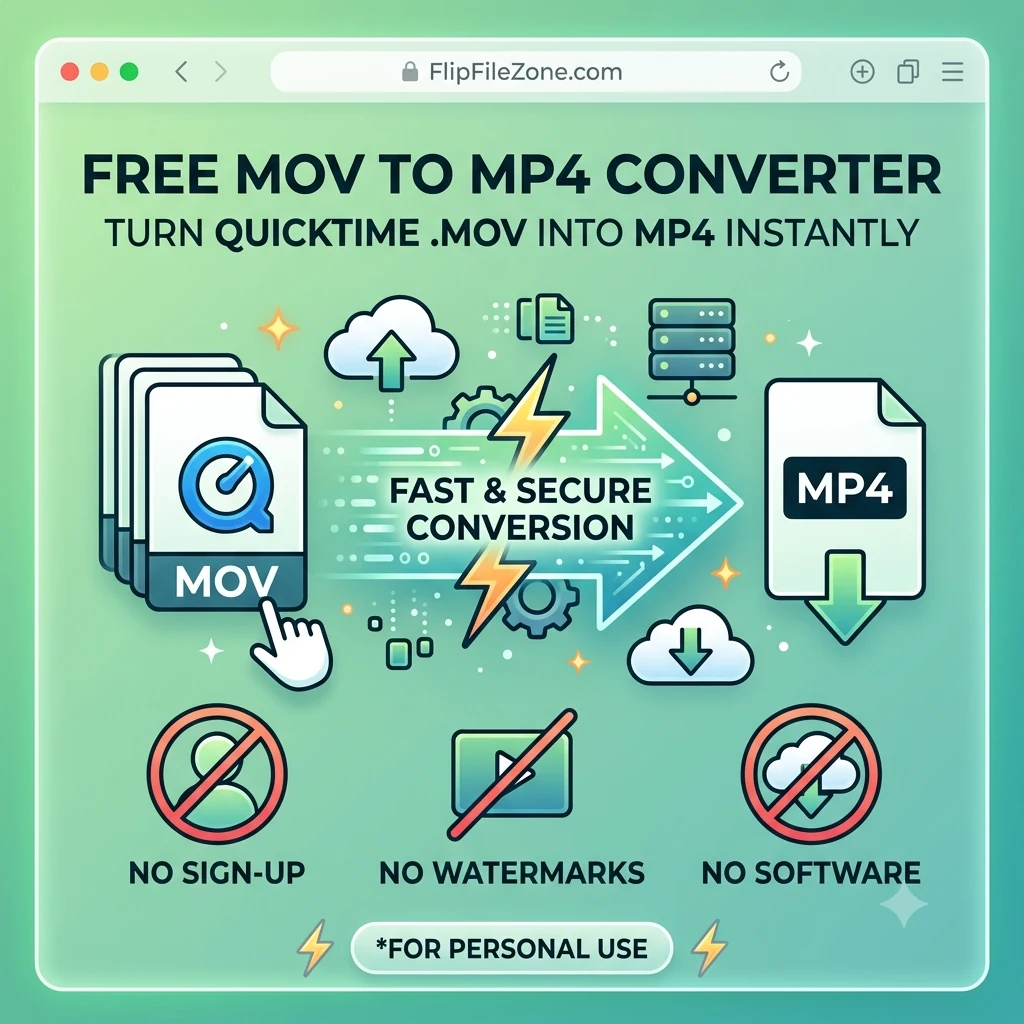 TECH GUIDESConvert MOV to MP4 Online Free — Convert iPhone Videos in SecondsFlipFileZone · Read Fullopen_in_new
chatPost a comment
Comments
0