 BUSINESSTECHNOLOGYMicrosoft Ignite 2026: Satya Nadella Puts AI Agents, Copilot and Enterprise Cloud at the Centre of Microsoft's Next Technology RevolutionFlipFileZone · Read Fullopen_in_new
NSA Warning: Reboot Your Internet Router Now to Prevent Cyber Attacks
The NSA has issued a warning to reboot internet routers to prevent cyber attacks, highlighting the importance of router security and the need for regular maintenance
FlipFileZone · TECHNOLOGY
shareShare this post






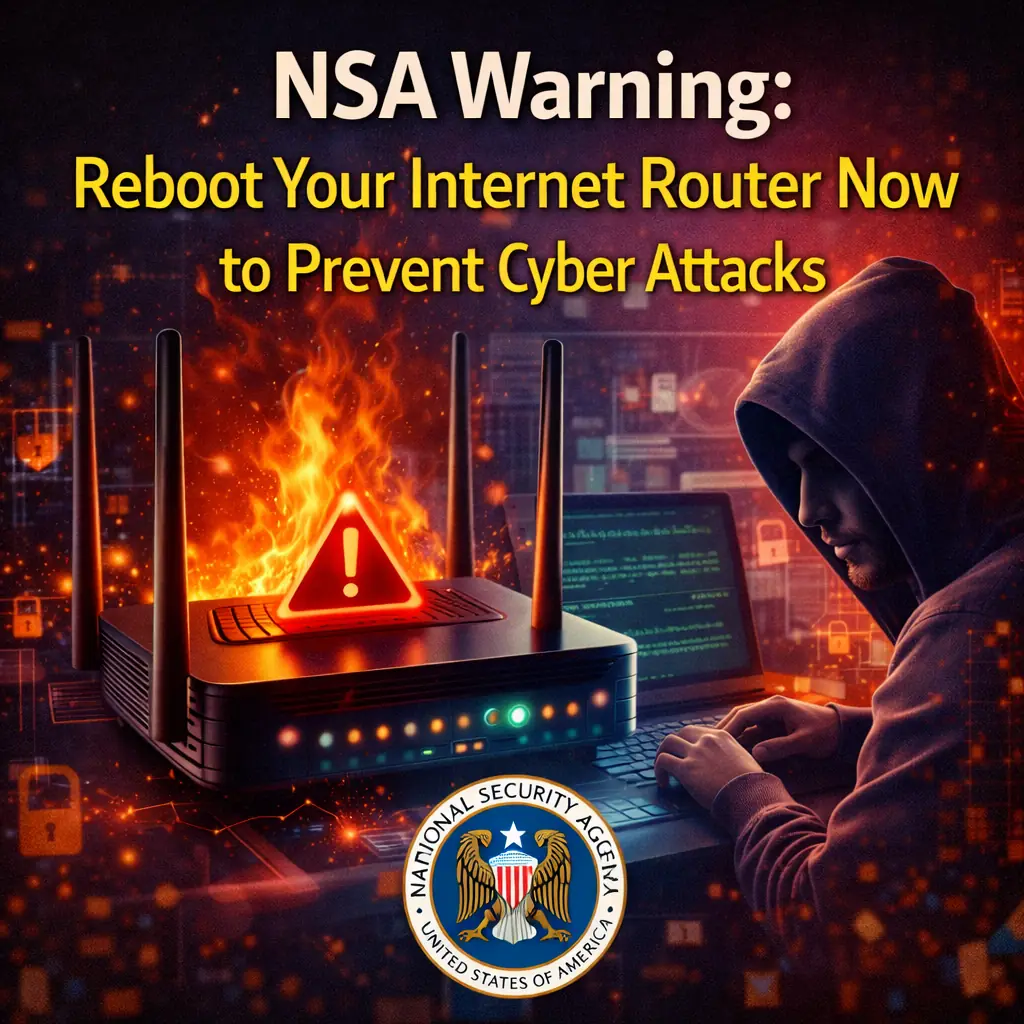
NSA Warning: Reboot Your Internet Router Now to Prevent Cyber Attacks
The National Security Agency (NSA) has recently issued a warning to individuals and organizations to reboot their internet routers in order to prevent cyber attacks. This warning highlights the importance of router security and the need for regular maintenance to prevent hackers from exploiting vulnerabilities.
The NSA warning comes after a series of high-profile cyber attacks that have targeted internet routers, highlighting the need for increased security measures. By rebooting their routers, individuals and organizations can help to prevent these types of attacks and protect their sensitive information.
The risk of cyber attacks on internet routers is very real, and can have serious consequences. Hackers can use vulnerabilities in routers to gain access to sensitive information, including personal data and financial information. They can also use compromised routers to launch further cyber attacks, making it even more important to take steps to secure them.
Rebooting your router is a simple process that can be done in just a few steps. First, locate the power cord of your router and unplug it from the wall. Next, wait for at least 30 seconds to allow any residual power to drain from the device. Finally, plug the power cord back in and turn on your router. This will restart the device and help to prevent cyber attacks.
- Unplug the power cord from the wall
- Wait for at least 30 seconds
- Plug the power cord back in and turn on your router
In addition to rebooting your router, there are several other steps you can take to help secure it. These include changing the default password, enabling WPA2 encryption, and installing firmware updates. By taking these steps, you can help to prevent cyber attacks and protect your sensitive information.
- Change the default password
- Enable WPA2 encryption
- Install firmware updates
shareShare this post
recommendYou may also like
BUSINESSTECHNOLOGYMicrosoft Ignite 2026: Satya Nadella Puts AI Agents, Copilot and Enterprise Cloud at the Centre of Microsoft's Next Technology RevolutionFlipFileZone · Read Fullopen_in_new BUSINESSTECHNOLOGYChina Uses American AI Models to Train Domestic Rivals as US Chip Restrictions Intensify the Global Artificial Intelligence RaceFlipFileZone · Read Fullopen_in_new
 BUSINESSTECHNOLOGYNvidia Leadership Turmoil Raises Concerns Over AI Industry Financing as Investors Rethink the Future of the AI BoomFlipFileZone · Read Fullopen_in_new
 TECHNOLOGYGovernor Gulab Chand Kataria launches Shaheed Bhagat Singh Youth Facilitation Centre in LudhianaFlipFileZone · Read Fullopen_in_new
 TECHNOLOGYInstinct AI Assistant Secures $350M Funding, Hits $2.5B Valuation in Record TimeFlipFileZone · Read Fullopen_in_new
 TECHNOLOGYXiaomi Unveils Xring Chip with TSMC Partnership, Redefining Its Global Hardware StrategyFlipFileZone · Read Fullopen_in_new
 TECHNOLOGYApple’s AI‑Powered Camera AirPods Could Launch in 2026, Not 2027FlipFileZone · Read Fullopen_in_new
chatPost a comment
Comments
0