 TECH GUIDESConvert XLS to XLSX Online Free — Upgrade Old Excel Files in SecondsFlipFileZone · Read Fullopen_in_new
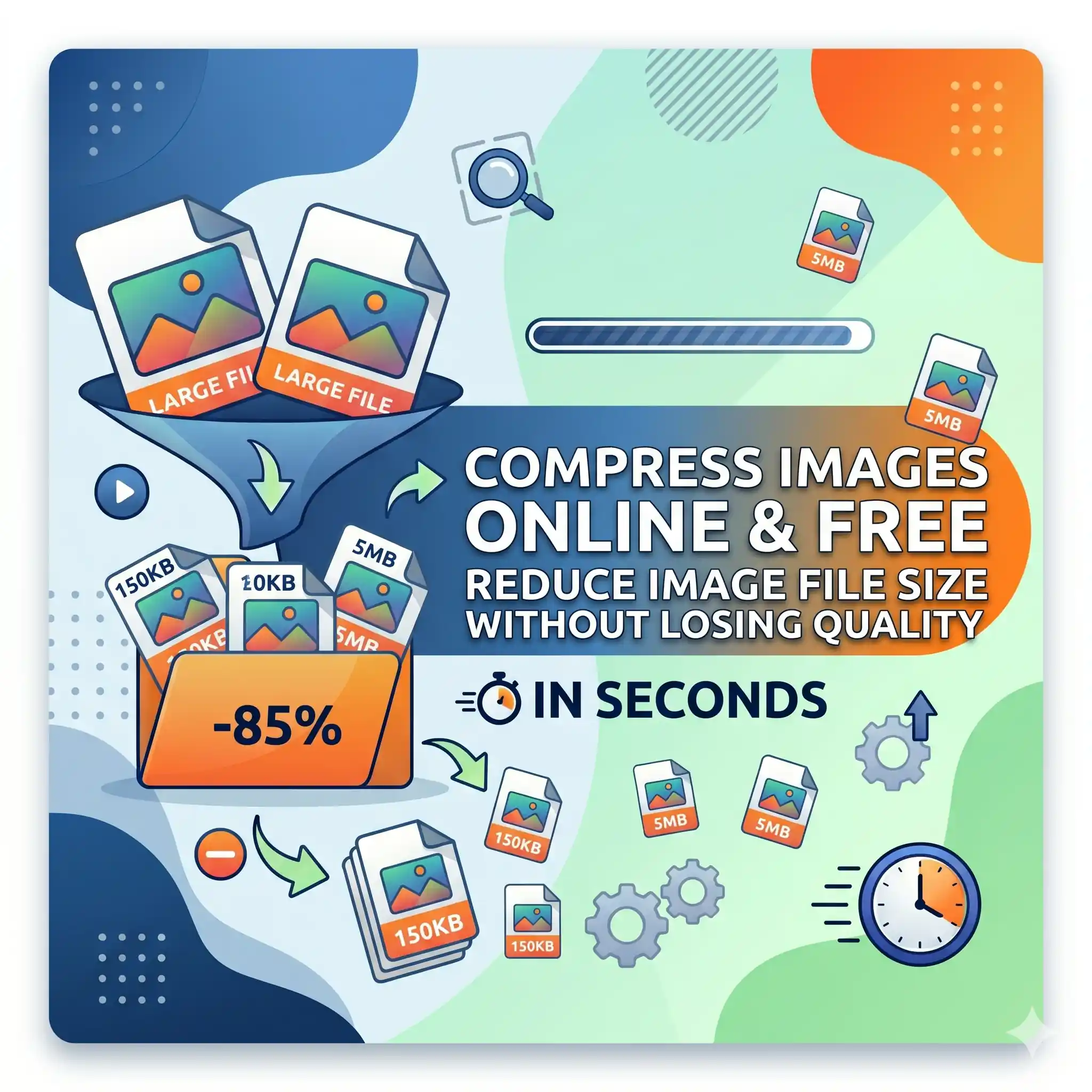
Compress Image Online Free — Reduce Image File Size Without Losing Quality
Compress images online free with FlipFileZone. Reduce JPG, PNG, and other image file sizes instantly — no sign-up, no watermarks, no software needed.
FlipFileZone · TECH GUIDES
shareShare this post






Compress Image Online Free — Reduce Image File Size Without Losing Quality
A phone photo from a modern smartphone is routinely 4 to 8 MB. A high-resolution product image exported from a design tool can run to 15 MB or more. A batch of blog post images uploaded without compression can push a web page load time past the point where most visitors have already left. An email with three uncompressed image attachments bounces back because it exceeded the server limit. A government form rejects your ID photo because it exceeds the 200 KB file size cap.
Image file size is a problem that compounds quietly in the background of every digital workflow that involves images — until it stops being quiet and starts blocking real work from moving forward. The images look fine. The content is correct. The size is simply too large for the destination, and trimming it down without wrecking the visual quality requires a tool that knows how to compress intelligently.
FlipFileZone's free image compressor reduces JPG, PNG, and other image file sizes dramatically — often by 60 to 80 percent — while keeping the images looking sharp and clean at every normal viewing size. No account to create. No watermark on your compressed output. No file sitting on a server after your session is done. Just a smaller image, ready to upload, email, or publish anywhere it needs to go.
⚡ Quick Answer
— Visit flipfilezone.com/compress, upload your image, click Compress Image, and download your smaller file instantly. Free, private, and watermark-free.
How Image Compression Works — and Why Quality Does Not Have to Suffer
Every digital image contains far more data than the human eye can distinguish at normal viewing sizes and distances. A photograph of a sky gradient, for example, contains millions of subtly different blue pixels — but the human visual system cannot perceive most of those micro-variations when looking at an image on a screen. Image compression works by identifying and removing the data the eye cannot see, storing the image with fewer bytes while producing output that looks, to a human observer, virtually identical to the original.
There are two categories of image compression, and the distinction matters for understanding what you are getting from a compression tool:
Lossy compression permanently removes image data. The reduction is aggressive and produces the smallest possible file sizes. At high-quality settings, the removed data is perceptually invisible — the image looks the same as the original at normal screen sizes. At lower quality settings, visible artifacts appear. JPG uses lossy compression natively. FlipFileZone applies lossy compression at a quality level tuned to be imperceptible at standard viewing sizes while achieving the maximum practical file size reduction.
Lossless compression removes structural redundancy in the file without discarding any pixel data. Every pixel is perfectly preserved — the file is simply encoded more efficiently. Lossless compression produces smaller reductions than lossy, but the output is bit-for-bit identical to the original. PNG uses lossless compression natively, and FlipFileZone applies additional lossless optimisation to PNG files to reduce their size without any quality penalty whatsoever.
FlipFileZone applies the right compression strategy for each format automatically — lossy optimisation for JPG files and lossless optimisation for PNG files — so you get the maximum size reduction appropriate for each image type without having to choose settings manually.
Top Reasons Professionals Compress Images
- Website and blog performance — Page load speed is a direct Google ranking factor. Uncompressed images are the single most common cause of slow page load times. Compressing before upload reduces payload, improves Core Web Vitals scores, and makes pages load faster for every visitor on every connection speed.
- Email attachment limits — Most email providers cap attachments at 10 to 25 MB. A single uncompressed product photo or event photograph can consume that entire allowance. Compressing images before attaching ensures they arrive without bounce errors.
- Upload portal and form size caps — Job applications, government forms, university portals, and client platforms frequently impose strict file size limits — often 200 KB to 2 MB for image uploads. Compressing brings images within those limits without manual quality guesswork.
- E-commerce catalogue management — Online stores with hundreds or thousands of product images load faster, rank better, and consume less server storage and CDN bandwidth when every product image is compressed before upload.
- Social media image delivery — Social platforms compress uploaded images on their end using aggressive algorithms that often produce poor results. Compressing images before uploading gives you control over the output quality rather than leaving it to the platform.
- Cloud storage and backup efficiency — Image libraries stored in Google Drive, Dropbox, or iCloud consume quota rapidly when images are uncompressed. Compressing an image library reduces storage costs significantly at scale.
- Mobile app and PWA assets — App bundles and web app assets that include uncompressed images increase download size for every user installation. Compressed image assets reduce app size and improve first-load performance on mobile connections.
- WhatsApp and messaging delivery — Messaging apps compress images sent over their networks, often aggressively. Pre-compressing to a controlled quality level before sending produces better-looking results than leaving compression entirely to the app.
How to Compress an Image — Step by Step
Step 1 — Open the FlipFileZone Image Compressor
Go to flipfilezone.com/compress in any browser on any device. No account creation, no subscription prompt, no onboarding flow. The compressor is ready the moment the page loads — open it and you are one upload away from a smaller image.
Step 2 — Upload Your Image
Click the upload area or drag and drop your image file onto the page. FlipFileZone accepts JPG, JPEG, PNG, and other common image formats. Upload from your desktop, a downloads folder, your phone camera roll, or any other source. All uploads travel over an encrypted HTTPS connection — your images are protected from the moment they leave your device.
Step 3 — Click Compress Image
Hit the Compress Image button. FlipFileZone analyses your image format and content, then applies the optimal compression strategy automatically. For most images — even large, high-resolution files — processing completes in under 10 seconds. The output size and reduction percentage are shown alongside the download so you can see exactly how much smaller the compressed file is.
Step 4 — Download Your Compressed Image
Click the download button to save your compressed image. Open it and compare it to the original — at normal screen viewing sizes, the difference is imperceptible for the vast majority of photographic and design images. FlipFileZone permanently and automatically deletes your uploaded original and the compressed output from its servers once your session ends.
✓ Pro Tip
— For the best results on PNG files that contain mostly flat colours, logos, or icons — rather than photographs — lossless PNG compression produces a meaningfully smaller file with zero quality change. For photographic PNG files where the image contains complex colour gradations, consider converting to JPG first using FlipFileZone's PNG to JPG converter, then compressing the JPG — this typically produces a dramatically smaller output than compressing the PNG directly, often reducing file size by 70 to 85 percent.
How Much Can You Expect to Reduce Your Image File Size?
Compression results vary depending on the image format, the original compression level, and the image content. Here are realistic expectations for the most common scenarios:
- Phone camera photos (JPG) — Modern smartphone cameras produce JPG files at relatively high quality settings. Recompressing at an optimised quality level typically reduces file size by 50 to 75 percent with no visible quality difference at screen sizes.
- Design exports and screenshots (PNG) — Flat-colour graphics, UI screenshots, and icon sets in PNG format compress well losslessly — reductions of 20 to 50 percent are common without any pixel data being discarded.
- High-resolution photography (JPG) — DSLR and mirrorless camera JPGs are often exported at maximum quality settings, leaving significant compression headroom. Reductions of 60 to 80 percent are achievable while maintaining full visual sharpness at web and print display sizes.
- Already-compressed images — Images that have already been aggressively compressed offer less headroom for further reduction. Running a compressed image through the compressor again produces minimal gains and is generally not recommended.
The output size preview shown after processing lets you evaluate the reduction before downloading, so there is no guesswork involved in assessing whether the result meets your needs.
Common Use Cases — When Compressing Images Makes the Difference
Bloggers and Content Creators
A blog post with five uncompressed hero images, inline graphics, and author photos can carry 15 to 20 MB of image payload. That page loads in 8 to 12 seconds on a typical mobile connection — a loading time that costs the majority of visitors before they ever read a word. Compressing every image to under 150 KB before upload reduces the total page payload to under 1 MB, cuts load time to under 2 seconds, and measurably improves search ranking, time-on-page, and conversion rate. For bloggers publishing regularly, image compression is not optional — it is a baseline publishing practice.
E-commerce Store Owners
A Shopify, WooCommerce, or Etsy store with 200 product listings, each with 5 product images, is managing 1,000 images. If each image averages 3 MB uncompressed, the store is serving 3 GB of image data per full catalogue load — a disaster for page speed, server costs, and mobile shopping experience. Compressing every product image to under 200 KB reduces the total catalogue image payload by over 90 percent, dramatically improving store performance, Google Shopping ranking, and mobile conversion rates.
Web Developers and Frontend Engineers
Every millisecond of page load time matters for Core Web Vitals scores, user retention, and conversion rate. Images are consistently the largest contributors to page weight in content-heavy web applications. A frontend developer compressing image assets before committing them to a codebase or CMS is applying one of the highest-impact performance optimisations available — one that requires no code change, no infrastructure work, and no ongoing maintenance once the images are in place.
HR, Admin, and Operations Teams
ID photos, employee headshots, document scans, and certification images that exceed portal upload limits create daily administrative friction. A form that rejects a 2.4 MB ID photo when the limit is 500 KB costs time and causes frustration for both staff and applicants. Compressing the image to within the limit takes ten seconds and removes the barrier entirely — without requiring the person submitting to own or know how to use image editing software.Email newsletters and marketing campaigns are routinely delayed or degraded by uncompressed image assets that slow load times in email clients or push the total email size past spam filter thresholds. Compressing campaign images before import into Mailchimp, Klaviyo, or HubSpot ensures newsletters load instantly in every inbox, display correctly in image-blocking clients that show only loaded images, and clear spam filter size checks without manual file management.
Marketing and Email Campaign Teams
Email newsletters and marketing campaigns are routinely delayed or degraded by uncompressed image assets that slow load times in email clients or push the total email size past spam filter thresholds. Compressing campaign images before importing into email platforms ensures newsletters load instantly in every inbox, display correctly on mobile, and clear spam filter size checks without manual file management on every send.
FlipFileZone vs Other Image Compression Tools
| Feature | FlipFileZone | TinyPNG | Squoosh | Compressor.io |
|---|---|---|---|---|
| Free to use | ✓ Always | ⚠ Limited free | ✓ Yes | ⚠ Limited free |
| No account needed | ✓ Yes | ✓ Yes | ✓ Yes | ⚠ Required for more |
| Files deleted after use | ✓ Auto-deleted | ⚠ Stored temporarily | ✓ Local only | ⚠ Stored temporarily |
| No watermarks | ✓ Never | ✓ No watermark | ✓ No watermark | ⚠ On free tier |
| Supports JPG and PNG | ✓ Yes | ✓ Yes | ✓ Yes | ✓ Yes |
| Part of full PDF and image toolkit | ✓ Yes | ✗ Image only | ✗ Image only | ✗ Image only |
Frequently Asked Questions
| Is FlipFileZone's image compressor really free? |
| Yes — completely free with no usage limits, no trial periods, and no subscription required. Compress as many images as you need, whenever you need, at zero cost. |
| Will compressing my image reduce its quality noticeably? |
| Not at the quality settings FlipFileZone applies. For photographic images, the compression is perceptually lossless at normal screen viewing sizes — the output looks the same as the original. For PNG files with flat colours and sharp edges, lossless compression is used, meaning there is zero quality change whatsoever. |
| What image formats does the compressor support? |
| FlipFileZone supports JPG, JPEG, and PNG — the three most common image formats used in web, design, and document workflows. Upload any image in these formats and the compressor handles the rest automatically. |
| How much will my image shrink? |
| Results vary by format and original quality. Phone camera JPGs typically reduce by 50 to 75 percent. High-resolution photography often compresses by 60 to 80 percent. PNG files with flat colours compress losslessly by 20 to 50 percent. Already heavily compressed images offer less headroom for further reduction. |
| Will the image dimensions change after compression? |
| No. Compression reduces file size by optimising pixel data encoding — it does not change the pixel dimensions of the image. A 1200 x 800 image remains 1200 x 800 after compression. If you also need to change the dimensions, use FlipFileZone's free image resizer. |
| Are my images safe when I upload them? |
| Yes. All uploads are encrypted via HTTPS. Your original and the compressed output are permanently and automatically deleted from FlipFileZone servers once your session ends. Your images are never stored, shared, or accessed for any other purpose. |
| Can I compress multiple images at once? |
| Yes. FlipFileZone supports batch compression — upload multiple images in a single session and download all compressed outputs without repeating the process for each file individually. |
| Does it work on my phone? |
| Yes. FlipFileZone is fully mobile-responsive. Open the compressor in your phone browser, upload an image directly from your camera roll, and download the compressed result to your device — no app installation required. |
Every image that is too large to upload, too slow to load, or too big to email is a problem with a ten-second solution. Image compression does not compromise your content — it makes your content work better in every context where it needs to perform. Faster pages. Cleared upload limits. Successful email delivery. Consistent, professional image quality across every platform and portal that receives your files.
FlipFileZone makes compression instant, free, and friction-free. Upload your image, compress, download. No account to create, no watermark on your output, no file stored anywhere after you are done. Just a smaller image that works everywhere the original was too large to go.
And when the compressed image needs to be resized, converted to a different format, or turned into a PDF — the full FlipFileZone toolkit is right there, equally free, equally fast, and always account-free.
🚀 Ready to Compress Your Image?
— Try FlipFileZone Now!Visit flipfilezone.com/compress-image and reduce your image file size free — no account needed, no software to install, no watermarks ever.
More Free Tools on FlipFileZone
- Image Resizer — Change image pixel dimensions to exact sizes instantly and free.
- PNG to JPG Converter — Convert PNG files to smaller JPG format for maximum compression savings.
- JPG to PDF Converter — Turn any compressed image into a professional PDF document in seconds.
- Compress PDF — Reduce PDF file size without losing quality for easy email and upload.
- Extract Text — Pull plain text from any image, PDF, or Word file instantly and free.
tagTags
shareShare this post
recommendYou may also like
TECH GUIDESConvert XLS to XLSX Online Free — Upgrade Old Excel Files in SecondsFlipFileZone · Read Fullopen_in_new TECH GUIDESConvert PNG to ICO Online Free — Create Favicons and Windows Icons in SecondsFlipFileZone · Read Fullopen_in_new
 TECH GUIDESConvert Markdown to PDF Online Free — Turn .md Files Into PDF in SecondsFlipFileZone · Read Fullopen_in_new
 TECH GUIDESConvert SVG to PNG Online Free — Export Vector Graphics as Images in SecondsFlipFileZone · Read Fullopen_in_new
 TECH GUIDESConvert GIF to MP4 Online Free — Turn Animated GIFs Into Video in SecondsFlipFileZone · Read Fullopen_in_new
 TECH GUIDESConvert WAV to MP3 Online Free — Compress Audio Files in SecondsFlipFileZone · Read Fullopen_in_new
 TECH GUIDESConvert MOV to MP4 Online Free — Convert iPhone Videos in SecondsFlipFileZone · Read Fullopen_in_new
chatPost a comment
Comments
0