 TECH GUIDESConvert XLS to XLSX Online Free — Upgrade Old Excel Files in SecondsFlipFileZone · Read Fullopen_in_new
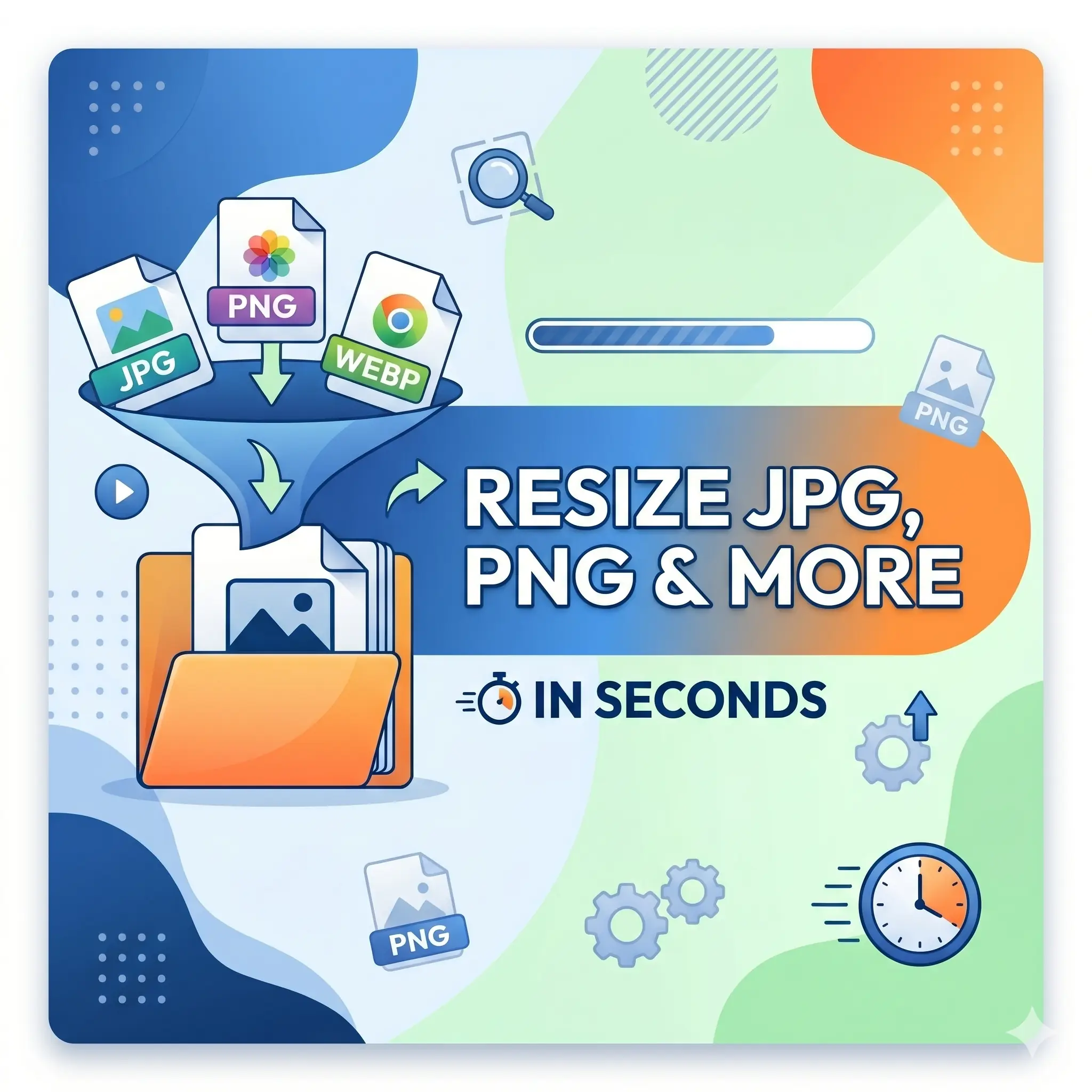
Resize Image Online Free — Resize JPG, PNG & More in Seconds
Resize images online free with FlipFileZone. Shrink or enlarge JPG, PNG, and other image files to any dimension instantly — no sign-up, no watermarks, no software needed.
FlipFileZone · TECH GUIDES
shareShare this post






Resize Image Online Free — Resize JPG, PNG & More in Seconds
You have the right image — but the wrong size. A profile photo that is 4000 × 3000 pixels when the platform caps uploads at 800 × 800. A product image that is too small to display crisply on your website's banner section. A scanned document too large to attach to an email. An ID photo that needs to meet the exact pixel dimensions specified in an application form.
Image size mismatches are one of the most common frustrations in everyday digital work. Social media platforms, job portals, e-commerce sites, government forms, and design tools all have specific size requirements — and raw photos from modern cameras and smartphones almost never match those requirements out of the box. A 12-megapixel phone photo is beautiful, but it is also 4032 × 3024 pixels and several megabytes in size. Most platforms don't want that. They want something smaller, faster, and precisely dimensioned.
The answer is a fast, free image resizer that works in your browser without installing anything. FlipFileZone's free image resizer lets you set exact pixel dimensions or a percentage scale, preview the result, and download your resized image in seconds — no account required, no watermark stamped on your output, no file left sitting on someone's server after you're done.
⚡ Quick Answer
— Visit flipfilezone.com/resize, upload your image, enter your target dimensions or scale percentage, click Resize Image, and download your resized file instantly. Free, private, and watermark-free.
How Image Resizing Works — Pixels, Dimensions, and Quality
Every digital image is a grid of pixels — tiny colored squares arranged in rows and columns. The number of rows and columns defines the image's resolution: a 1920 × 1080 image has 1,920 pixels across and 1,080 pixels tall, totalling just over two million pixels. When you resize an image, you are changing the number of pixels in that grid.
Scaling down (reducing pixel count) is clean and lossless in practice — the resizer averages groups of original pixels into single output pixels, producing a sharp, smaller image. Scaling up (increasing pixel count) is inherently an estimation — the resizer interpolates new pixels from existing ones using algorithms that produce smooth results within reasonable scale factors. Enlarging an image beyond roughly 2× its original size will introduce visible softness regardless of the tool used, because new pixel data is being created from scratch.
FlipFileZone's resizer uses high-quality interpolation algorithms that deliver the sharpest possible output at any target size. For the most common use case — scaling down a large photo to meet a platform's size requirement — the output is virtually indistinguishable from the original at the new dimensions.
Top Reasons Professionals Resize Images Online
- Social media profile and cover photos — Every platform has its own required dimensions. Twitter, LinkedIn, Instagram, Facebook, and YouTube all specify different optimal sizes for profile pictures, banners, and post images. Resizing to the exact spec prevents cropping, blurring, and awkward whitespace.
- Website and blog optimization — Oversized images slow down page load times, hurt SEO rankings, and waste server bandwidth. Resizing images to the display dimensions before uploading them to a CMS is a core web performance practice.
- Email attachment size reduction — A single full-resolution phone photo can be 5–10 MB. Resizing it before attaching reduces the file to a fraction of that size, clearing email attachment limits and speeding up delivery.
- Application and form submissions — Passport photos, ID images, professional headshots, and document scans often have strict pixel dimension requirements. Resizing to the exact specification prevents rejected submissions.
- E-commerce product images — Online stores require product images at consistent dimensions for clean grid layouts. Resizing all product photos to the same width and height ensures a uniform, professional storefront appearance.
- Presentation and document assets — Images inserted into PowerPoint, Word, or Google Docs presentations look sharper and load faster when pre-resized to the dimensions they will actually be displayed at.
- App and UI development — Developers and designers need assets at specific pixel densities for different screen sizes and resolutions. Batch resizing to multiple target dimensions is a routine part of the asset preparation workflow.
- Print preparation — Print-ready images require specific pixel dimensions at a defined DPI. Resizing to the correct dimensions before sending to a print service prevents unexpected cropping or low-resolution output.
Resize Your Image in Under 60 Seconds — Here's How
Step 1 — Open the FlipFileZone Image Resizer
Go to flipfilezone.com/resize in any browser on any device. The tool is ready immediately with no account creation, no email verification, and no subscription screen in your way. Open the page, upload your image, and you are already most of the way there.
Step 2 — Upload Your Image
Click the upload area or drag and drop your image file onto the page. FlipFileZone accepts JPG, JPEG, PNG, and other common image formats. Upload from your desktop, downloads folder, or directly from your phone's camera roll. All uploads are encrypted in transit via HTTPS, so your images are protected from the moment they leave your device.
Step 3 — Set Your Target Dimensions
Enter your desired output width and height in pixels, or specify a percentage to scale the image proportionally. If you want to maintain the original aspect ratio — preventing stretching or squashing — enable the aspect ratio lock and enter only one dimension; the other will calculate automatically. For platform-specific requirements, enter the exact pixel dimensions the platform specifies.
Step 4 — Click "Resize Image"
Hit the Resize Image button. FlipFileZone processes the resize server-side using a high-quality interpolation engine. For most images, the result is ready in under 10 seconds regardless of the original file size.
Step 5 — Download Your Resized Image
Click the download button to save your resized image. The output file is named clearly so your file management stays organized. FlipFileZone automatically and permanently deletes both your uploaded original and the resized output from its servers once your session ends.
✅ Pro Tip
— Always resize with aspect ratio lock enabled unless you have a specific reason to change the proportions. Disabling it and entering mismatched width and height values stretches the image, making subjects look distorted. When a platform requires a square image (like most profile photos), crop the image to a square first, then resize to the required pixel dimensions.
Common Image Size Requirements by Platform — Quick Reference
| Platform / Use Case | Recommended Size | Format |
|---|---|---|
| LinkedIn Profile Photo | 400 × 400 px | JPG / PNG |
| Instagram Profile Photo | 320 × 320 px | JPG / PNG |
| Facebook Cover Photo | 820 × 312 px | JPG / PNG |
| Twitter / X Profile Photo | 400 × 400 px | JPG / PNG |
| YouTube Channel Art | 2560 × 1440 px | JPG / PNG |
| WordPress Featured Image | 1200 × 628 px | JPG / PNG |
| Passport / Visa Photo (US) | 600 × 600 px | JPG |
| Email Inline Image | 600 px wide max | JPG / PNG |
| E-commerce Product Image | 800 × 800 px (square) | JPG / PNG |
| Blog Post Header | 1200 × 630 px | JPG / PNG |
Who Uses an Online Image Resizer?
Social Media Managers and Content Creators
Managing content across multiple platforms means constantly adapting the same image to a different set of dimension requirements. A headshot that works on LinkedIn needs to be resized for Twitter, then again for an Instagram bio, then scaled differently for a Facebook page banner. An online image resizer that handles the job in seconds — without Photoshop or a subscription — is an essential daily-use tool in any content workflow.
Web Developers and Designers
Every image on a well-optimised website should be sized to its display dimensions before upload. Uploading a 4000-pixel-wide photo onto a blog that displays it at 800 pixels wide wastes bandwidth and slows page load times for every visitor. Pre-resizing assets is a standard frontend optimisation step, and a fast browser-based tool makes it frictionless even for non-technical team members.
E-commerce Sellers and Product Photographers
Consistent image dimensions across a product catalogue are the difference between a professional-looking store and a chaotic one. Whether selling on Shopify, Amazon, Etsy, or a custom platform, product images need to be uniform in size. An online resizer that handles the job without software installation is a practical asset for solo sellers and small teams who cannot justify a full creative software suite.
Students and Job Applicants
University application portals, government job boards, visa applications, and scholarship forms routinely require profile photos and document scans at exact pixel dimensions and strict file size caps. A student uploading a 4 MB phone selfie to a form that requires a 600 × 600 px JPEG under 200 KB needs a resizer that handles both the dimension and the size in one step — quickly, free, and without creating yet another account.
Small Business Owners and Entrepreneurs
From updating a Google Business Profile photo to preparing images for a pitch deck, small business owners resize images regularly. Most do not have Photoshop. Most do not need it. A browser-based resizer that produces a clean output in under 30 seconds is the right tool for the job — practical, accessible, and free every time it's needed.
FlipFileZone vs. Other Image Resizing Tools
| Feature | FlipFileZone | ResizeImage.net | Canva | Photoshop |
|---|---|---|---|---|
| Free to use | ✅ Always | ✅ Yes | ⚠️ Limited free | ❌ Paid |
| No account needed | ✅ Yes | ✅ Yes | ❌ Required | ❌ Required |
| No watermarks | ✅ Never | ✅ No watermark | ⚠️ On free tier | ✅ No watermark |
| Files deleted after use | ✅ Auto-deleted | ⚠️ Varies | ⚠️ Stored in account | ✅ Local only |
| Works in browser | ✅ Yes | ✅ Yes | ✅ Yes | ❌ Desktop only |
| Works on mobile | ✅ Yes | ✅ Yes | ✅ Yes | ❌ Limited |
Got Questions About Resizing Images? We Have Answers
| Is FlipFileZone's image resizer really free?Yes — completely free, no usage limits, no trial periods, no hidden charges. Resize as many images as you need, whenever you need, at zero cost. |
| What image formats does FlipFileZone support?FlipFileZone accepts JPG, JPEG, PNG, and other common image formats. Whether your image came from a phone camera, a scanner, a design tool, or a website download, the resizer handles it. |
| Will resizing reduce my image quality?Scaling down (making an image smaller) produces a clean, sharp result with no visible quality loss. Scaling up beyond roughly 2× the original size will introduce softness, as new pixel data must be estimated. For best results, always start with the highest-resolution original available. |
| How do I resize an image without distorting it?Enable the aspect ratio lock before entering your dimensions. This ensures the width and height scale proportionally so the image is never stretched or squashed. Enter either the target width or height and the other dimension calculates automatically. |
| Are my images safe when I upload them?Yes. All uploads are encrypted via HTTPS and your images are permanently deleted from FlipFileZone's servers automatically after your session. Your files are never stored, shared, or used for any purpose beyond the resize you requested. |
| Can I resize images on my phone?Yes. FlipFileZone is fully mobile-responsive. Open the tool in your phone's browser, upload directly from your camera roll, resize to your target dimensions, and download the result — all without a desktop or any app installation. |
| Can I resize to a percentage instead of fixed pixels?Yes. Enter a percentage value to scale the image proportionally relative to its original dimensions — for example, 50% to produce an image half the original width and height. This is useful when you need to reduce file size without targeting a specific pixel count. |
| What if I also need to convert the resized image to PDF?After resizing, use FlipFileZone's free JPG to PDF converter to turn your resized image into a properly formatted PDF document instantly — no additional sign-up required. |
The gap between the image you have and the image a platform, form, or recipient actually needs is almost always a matter of size. Too large for the upload cap. Too small for the display area. The wrong dimensions for the grid layout. The wrong pixel count for the passport specification. These are not creative problems — they are technical mismatches, and they have a fast, free, uncomplicated solution.
FlipFileZone's image resizer closes that gap in under 30 seconds. Enter your dimensions, hit resize, download the result. No Photoshop subscription. No account to create. No watermark on your output. Just a correctly sized image, ready to go wherever it needs to go.
And when your resized image needs to become a PDF, get merged into a document package, or be compressed for faster delivery — the rest of FlipFileZone's toolkit is right there, equally free, equally instant, and always account-free.
🚀 Ready to Resize Your Image?
— Try FlipFileZone Now!Visit flipfilezone.com/resize and resize any image free — no account needed, no software to install, no watermarks ever.
More Free Tools on FlipFileZone
- JPG to PDF Converter — Turn your resized image into a professional PDF document instantly.
- Compress PDF — Reduce PDF file size without sacrificing quality, perfect for email and uploads.
- Merge PDF — Combine multiple PDFs into one clean, unified document in seconds.
- Word to PDF Converter — Convert any Word document to a perfectly formatted PDF for free.
- Split PDF — Extract specific pages or divide any PDF into smaller files instantly.
tagTags
shareShare this post
recommendYou may also like
TECH GUIDESConvert XLS to XLSX Online Free — Upgrade Old Excel Files in SecondsFlipFileZone · Read Fullopen_in_new TECH GUIDESConvert PNG to ICO Online Free — Create Favicons and Windows Icons in SecondsFlipFileZone · Read Fullopen_in_new
 TECH GUIDESConvert Markdown to PDF Online Free — Turn .md Files Into PDF in SecondsFlipFileZone · Read Fullopen_in_new
 TECH GUIDESConvert SVG to PNG Online Free — Export Vector Graphics as Images in SecondsFlipFileZone · Read Fullopen_in_new
 TECH GUIDESConvert GIF to MP4 Online Free — Turn Animated GIFs Into Video in SecondsFlipFileZone · Read Fullopen_in_new
 TECH GUIDESConvert WAV to MP3 Online Free — Compress Audio Files in SecondsFlipFileZone · Read Fullopen_in_new
 TECH GUIDESConvert MOV to MP4 Online Free — Convert iPhone Videos in SecondsFlipFileZone · Read Fullopen_in_new
chatPost a comment
Comments
0